Lives along the bottom of the screen
It walks above the taskbar or Dock, sits, plays and falls asleep when nobody pays attention. Bored, it wanders to your other monitor or chases the mouse.

Living pets for your desktop
XenPips puts a small 3D pet on your screen. It walks along the bottom above the taskbar or Dock, naps when you are busy, answers your clicks and keeps quiet while you watch a film or join a call. Windows and Mac, free.
Windows 10 and 11, macOS 12 and newer. No account needed to start.
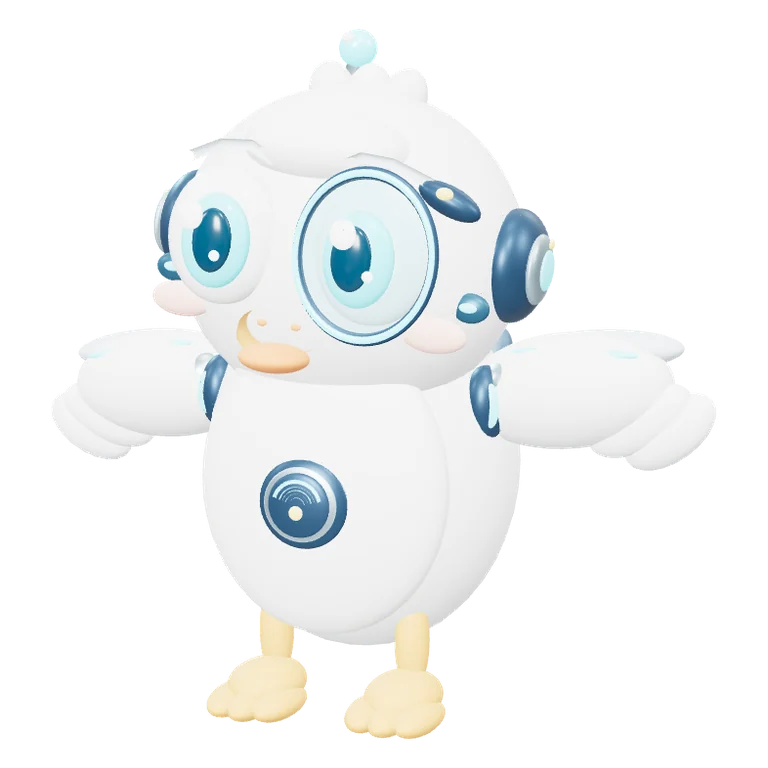
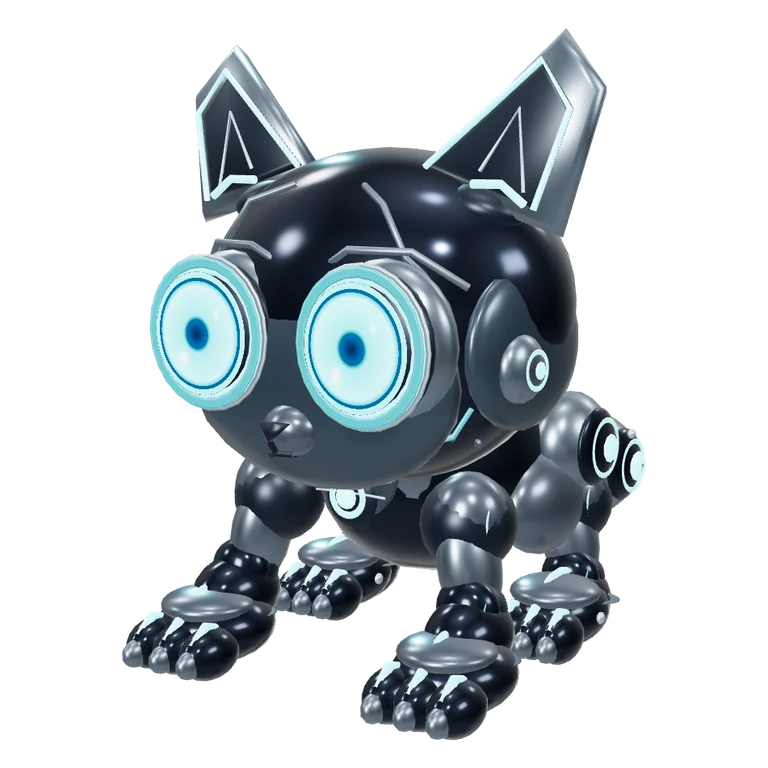
It walks above the taskbar or Dock, sits, plays and falls asleep when nobody pays attention. Bored, it wanders to your other monitor or chases the mouse.
One click and it hops with a heart. Two quick clicks make it turn around, three make it flip. Stroke it with the cursor and it melts. Pick it up and put it anywhere.
Four modes: Active, Calm, Focus and Sleep. When a film, a game or a call goes fullscreen, it switches to Focus on its own and saves its bubbles for later.
At rest a pet takes about 0.6% of the processor and 140 MB of memory on a Mac. It lives in one transparent window and in the tray or menu bar.
To notice fullscreen it looks only at where windows are and how big they are, never at titles or contents. No screen recording permission.
On macOS the pet belongs to the monitor, so it stays with you when you swipe between Spaces and can stand over a fullscreen app. Signed and notarized by Apple.
Pick the one you like. NOX Classic and PIP Starter are free and need no account. NOX and XENA go to testers first, and two more are on the way.
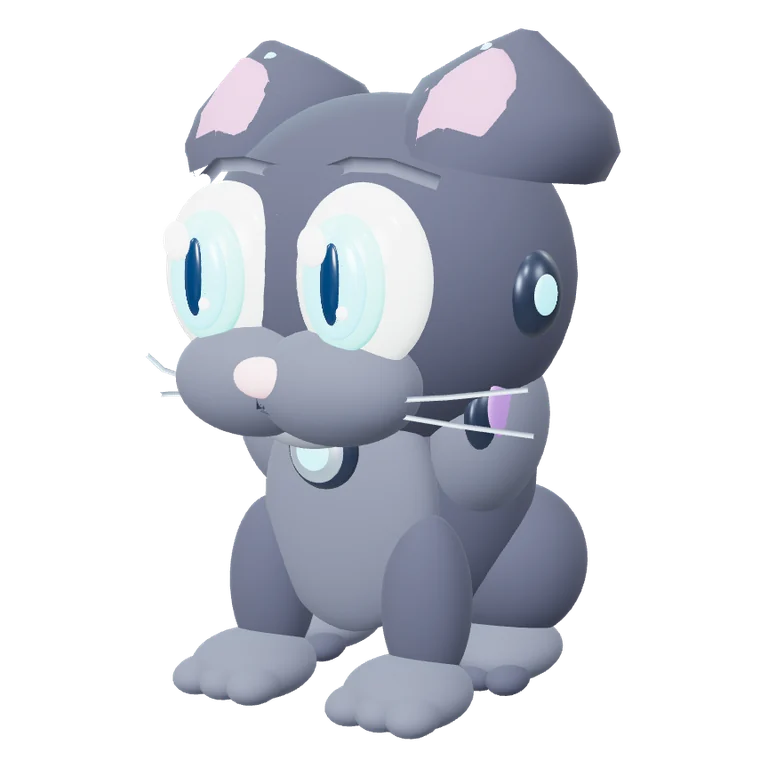
The first NOX: a soft grey cartoon cat with whiskers.
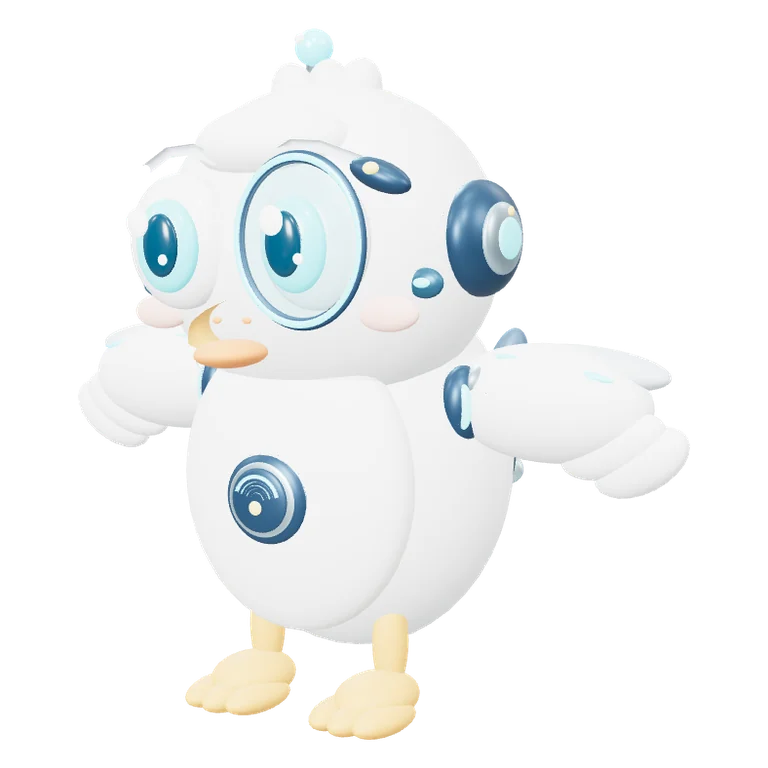
A curious little robot gull. Free, no account needed.
A glossy black robot cat with glowing cyan eyes.
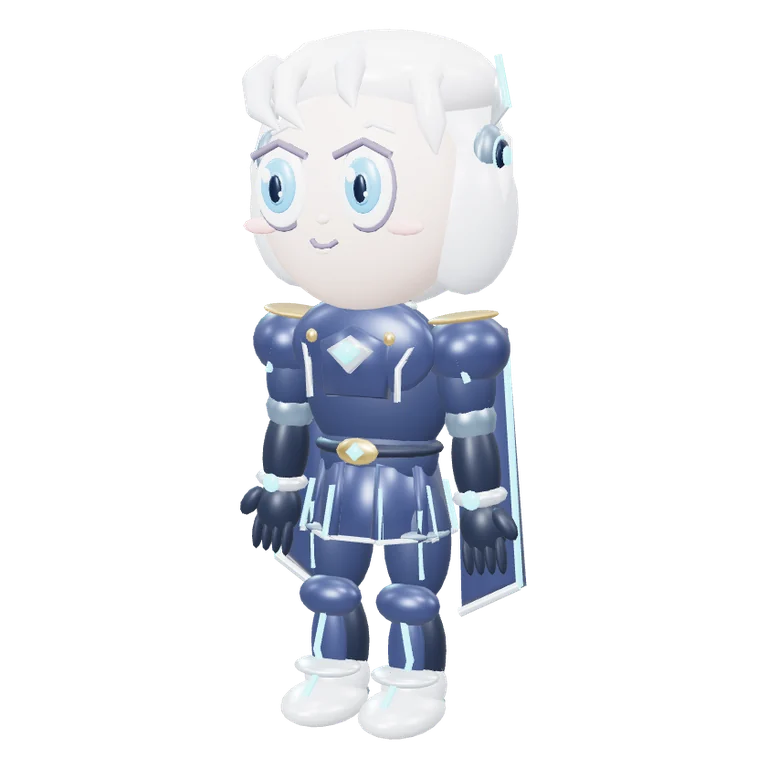
A small commander with silver hair and a guardian drone.
A raccoon who likes code. Coming later.
A small dragon who grows with your habits. Coming later.
Your PIP from the Skydex flight game, with the colours, gear and stage you earned there.
Keep two pets on the desktop at the same time, for example PIP and NOX. They notice each other: when they meet, they greet, play or nap side by side.
Each one has its own character. PIP flies and is curious about everything, NOX walks, pounces on the cursor and purrs when you stroke it.
Skydex is a free browser flight game over the real Earth. If you play it, your PIP lives in XenPips with the colours, gear and stage you earned in the game.
When you take off, PIP leaves the desktop and joins your flight as a wingman. Land, and he flies home. Or let him stay on the desktop and watch your catches pop up over his head.
How Skydex PIP works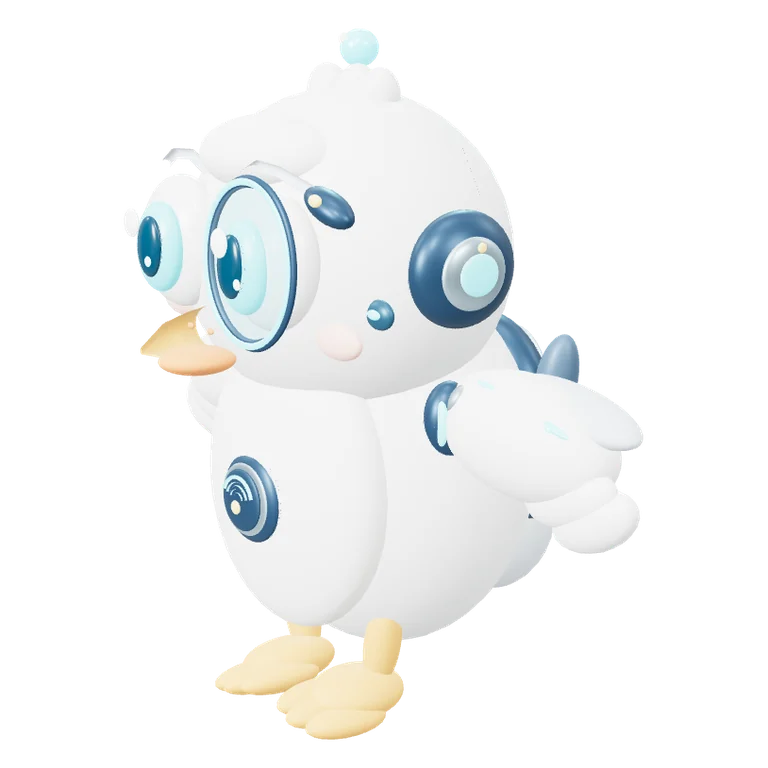
Coming later
The next update lets you talk to your pet. You will also be able to connect your own tools through MCP, the open protocol AI assistants use to reach other apps.
Anything that changes something in your tools will wait for your yes in the pet’s bubble. It is not in the first release. We will write here and in the app when it is.
Yes. The app, NOX Classic and PIP Starter are free, and so is Skydex PIP with a Skydex account. Paid extras may come later; what is free now stays free.
Yes: Windows 10 and 11 (64-bit) and macOS 12 or newer, on Intel and Apple silicon Macs.
Measured on a Mac at rest, a pet takes about 0.6% of the processor and 140 MB of memory. In Sleep mode it does almost nothing.
No. It looks at the position and size of windows only to notice fullscreen, never at their titles or contents, and it asks for no screen recording permission.
Not to start. NOX Classic and PIP Starter live on your desktop without one. An account lets you get testers’ pets, link several computers and connect Skydex.
Download XenPips for Windows or Mac, choose a pet and it appears on your desktop.
Download